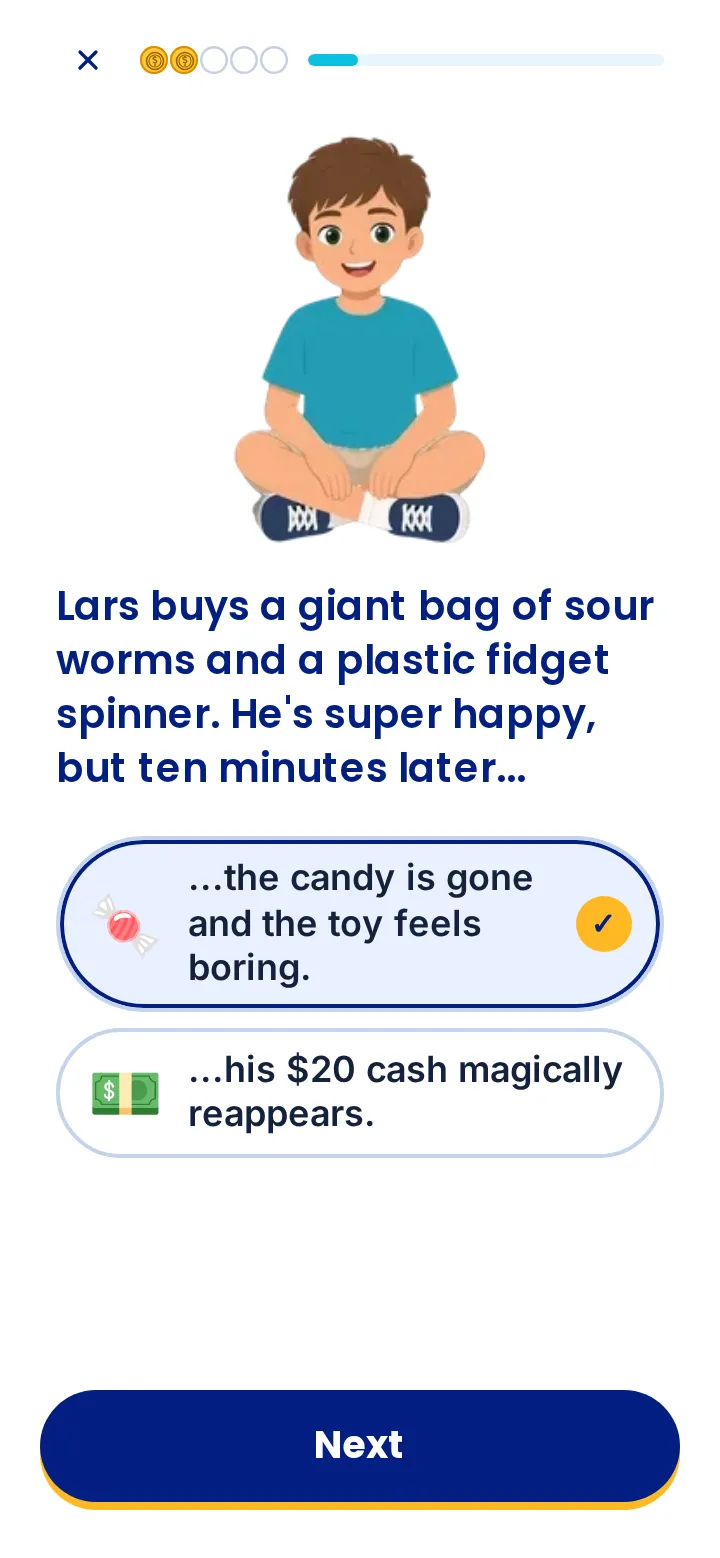
Learn in the Academy
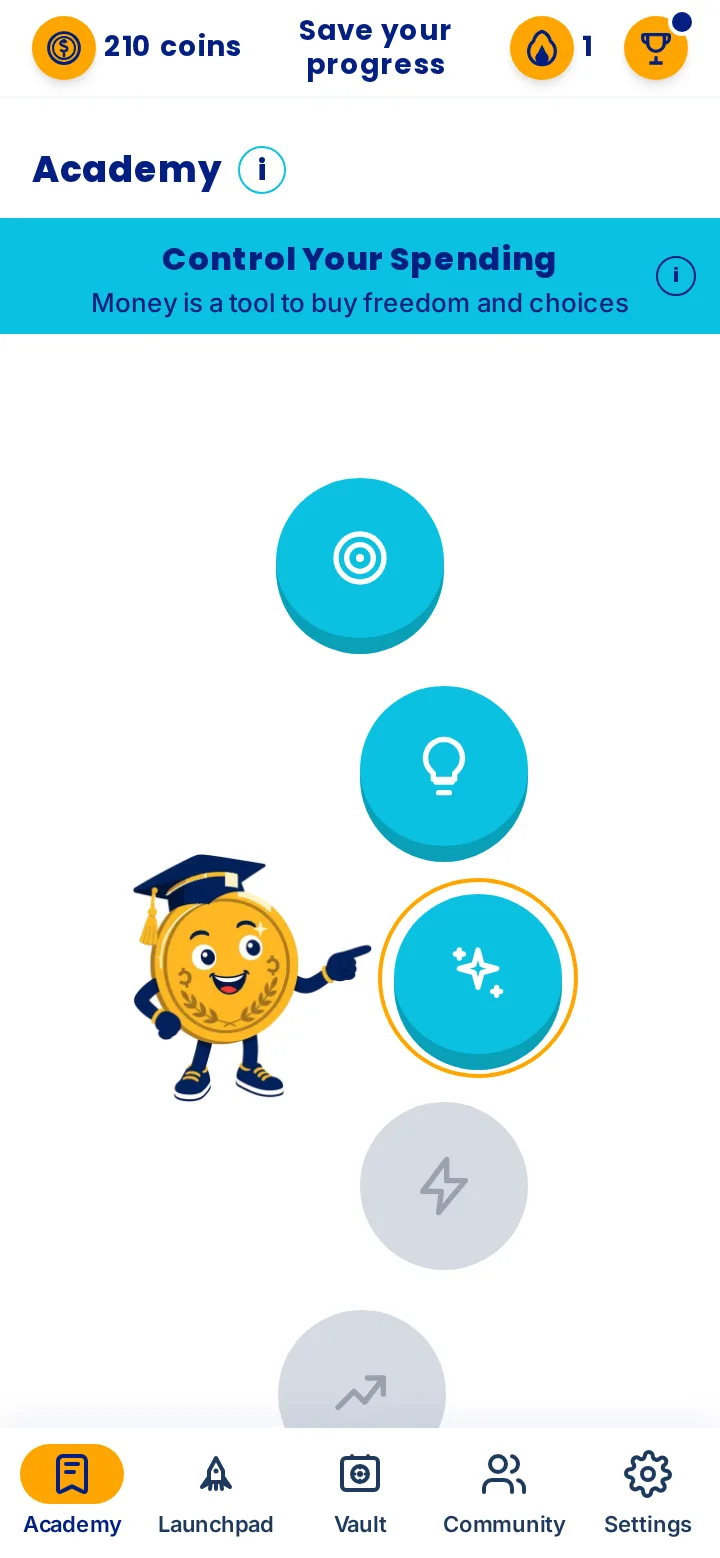
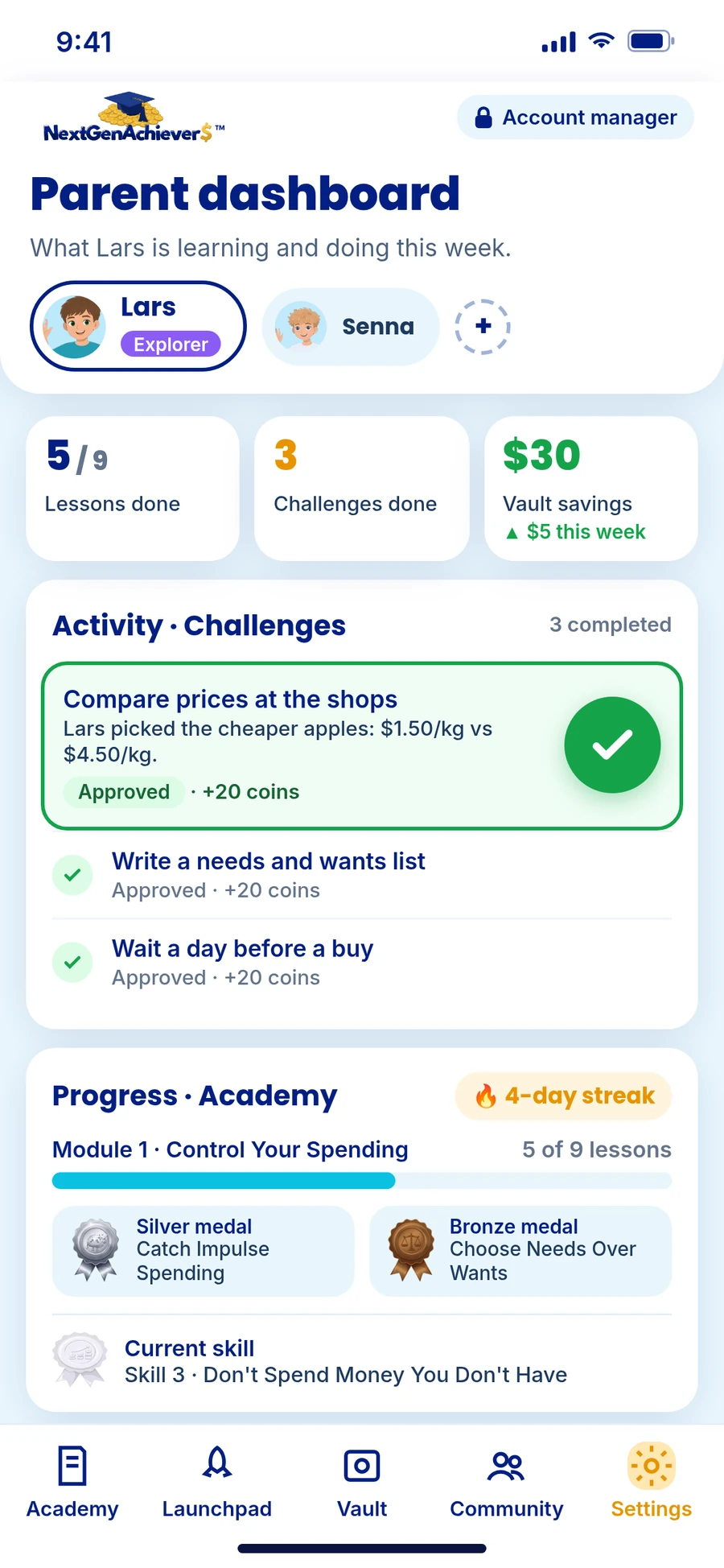
Every lesson is a new chapter. As heroes like Senna and Lars level up, so does your child. Kids play one level at a time on the Academy map, and collect coins and skill medals as they finish.
Money skills for kids of all ages
Forget boring lectures. Your child learns how money works by playing, then by building a small business of their own and managing the money it brings in. It's how kids build critical money skills and genuine confidence, in a way that feels more like a game than a class.
75% of US adults agree
If they’d learned about personal finance in high school, they would be further ahead with money.
Ramsey Solutions, The Financial Literacy Crisis in America: 2023 Report (US survey of 2,353 adults, Dec 2022)Every lesson is a new chapter. As heroes like Senna and Lars level up, so does your child. Kids play one level at a time on the Academy map, and collect coins and skill medals as they finish.
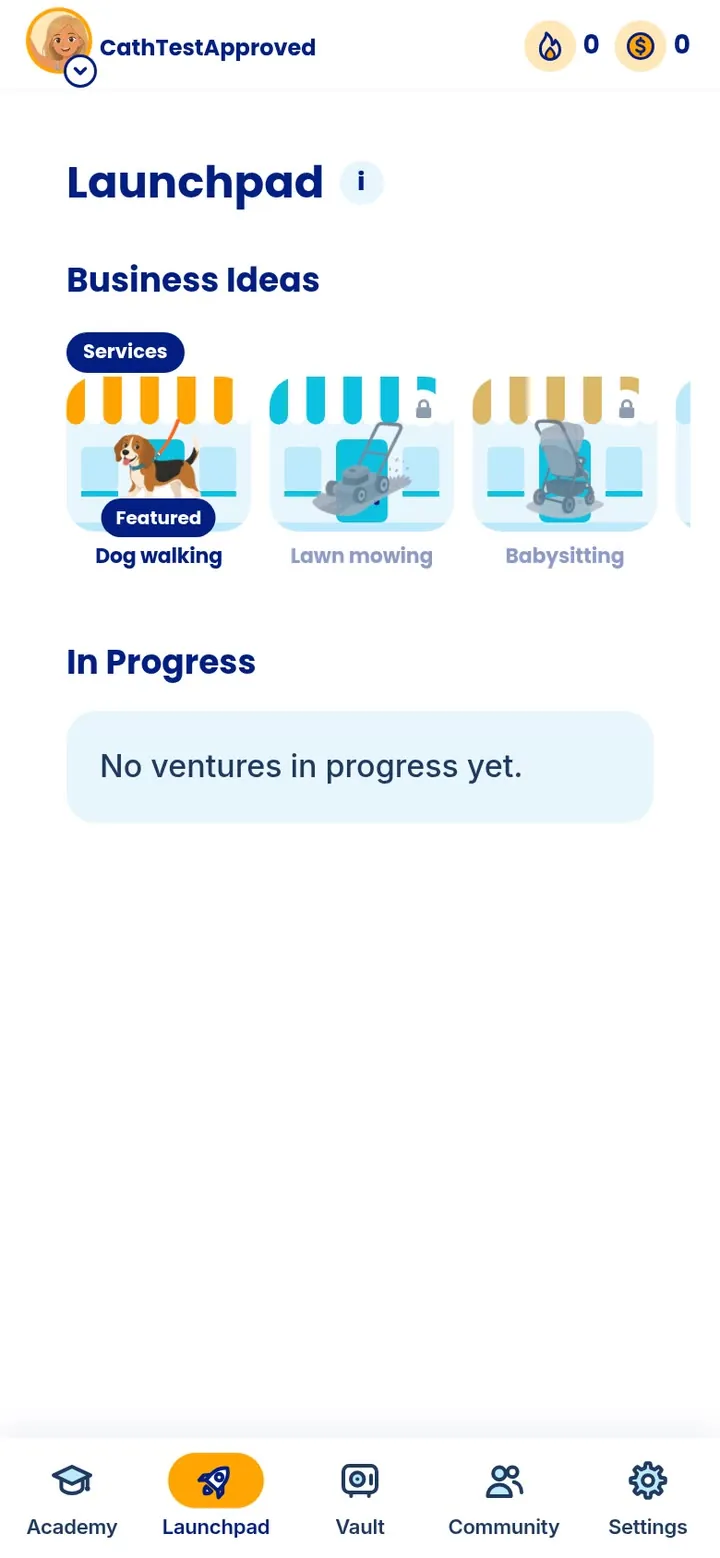
In the Launchpad, kids learn how to build a small business of their own, putting the skills from the Academy into practice in real life so the lessons stick.
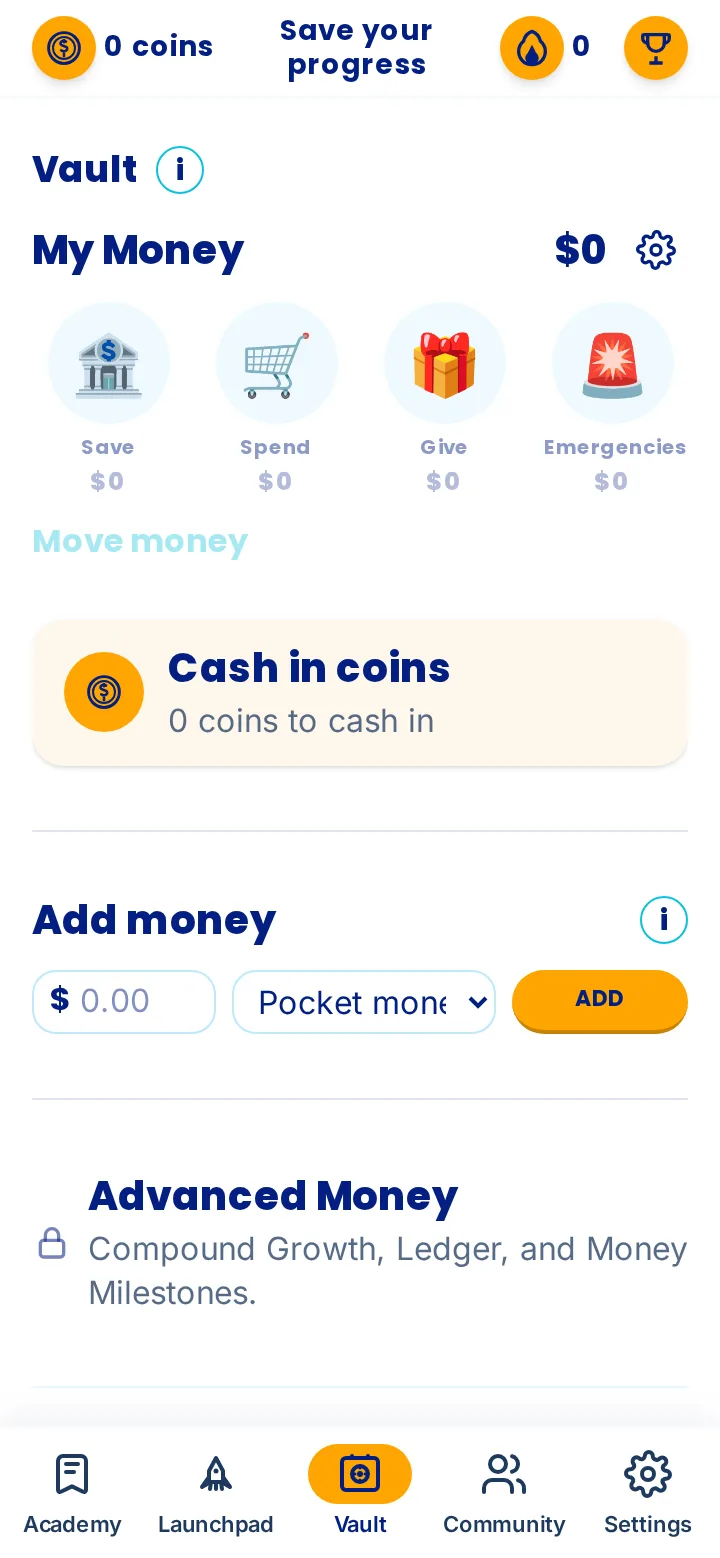
In the Vault, kids sort the money they’ve made in real life into budget jars, so they can always see where their money is and where it’s going. Note, this is not a financial product or payments app.
Six modules, on a track that grows with your child.

What families say
My daughter did it all by herself. It’s fantastic to watch her become independent and confident with money.”
We’ve learned to budget and save, and we’re making more money with our dog-walking business than working a casual job.”
If I’d done something like this when I was 12, I would’ve saved myself so many financial mistakes. I love that my son is getting this foundation now.”
We built NextGenAchievers with children's privacy and online safety as our top priority. Every design choice starts with keeping children safe online. A parent approves before a child under 16 gets their own account and the parent stays in control of all privacy settings.
License bundles of the app, with your branding, for the people you choose. One offer for every group.

Questions about the app, your child's account or getting started. Many answers are in Questions parents ask on our Home page.
Thinking of NextGenAchievers for your class or school? and we'll be in touch.
Banks, wealth managers, and other organizations who would like to bring money skills to their customers. and we'll be in touch.
A family perk for your staff. Employees get a money skills app for their kids that the whole family can enjoy. See how it works for employers
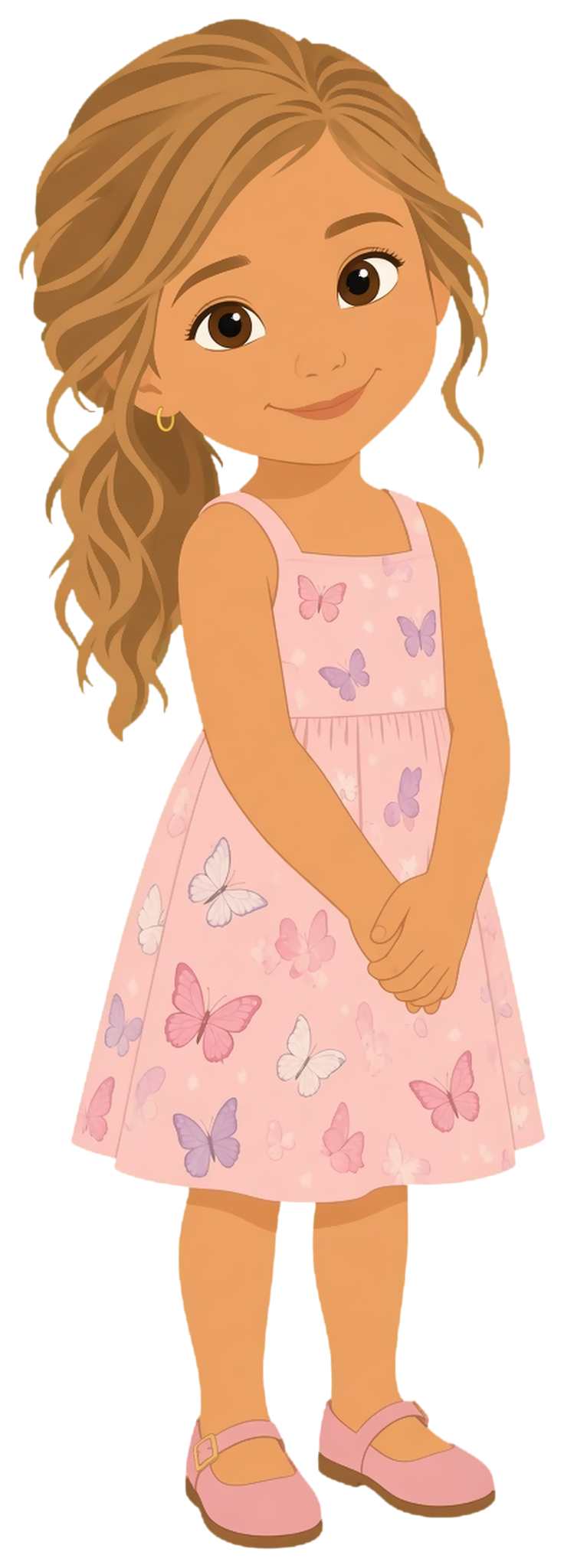
Our work is inspired by Ava
A little girl with the spirit of a warrior. After she passed, we made a promise to her mom. That promise is the heart of this business.
Read Ava's storyOnly if it's boring. NextGenAchievers feels like a game, not a class. Your child learns money skills by following their peers' story through short lessons, collecting coins and medals, with nothing real at stake. Then they put those skills to work in the real world.
There's plenty of free money information out there, but it comes in scattered pieces. NextGenAchievers puts the pieces in order, from no idea about money to money habits for life, and your child practices each skill as they go.
Your child can start straight away. Set your parent PIN, add your child, and they can jump into their first lesson. It all runs in your browser at app.nextgenachievers.com, so there's nothing to download.
The money skills most of us were never taught, across up to six modules: Control Your Spending, Start Making Money, Be the Boss of Your Money, Grow the Money You Have, Increase Your Earning Power, and Learn Passive Income. How far your child goes depends on the track for their age. Along the way, your child starts to see money as a tool to build their future, not just something to spend.
It's free to start, and you don't need any payment details. Your child gets the lessons for their age group, collects coins and medals, and uses the Vault to split money into jars and save for a goal. You get parent controls in Preferences, locked with your parent PIN, where you set everything up, and you can add as many children as you like.